- Home
- Technology
How a message gets from your outbox to someone else's inbox, anywhere in the world.

The short version
An email is a small package of text with an address on it. Your mail program sends it to your provider's mail server, which looks at the part of the address after the @ sign, finds the recipient's server and hands the message on. It waits there until the recipient opens their inbox.
I always thought email went from my computer to theirs.
It goes through at least two servers in between.
Each one holds it until the next is ready.
Reading an address
An address such as `sam@example.co.uk` has two parts. The part before the @ is the mailbox: who it is for. The part after is the domain: which mail server looks after it. The @ sign was chosen in 1971 by Ray Tomlinson, who sent the first email between two computers on the same network, to separate the two.
The journey
- You press send. Your program passes the message to your provider's server.
- That server asks DNS which computer handles mail for the domain.
- It connects to that server and hands the message over.
- The receiving server files it in the recipient's mailbox.
- When they open their email, their program asks the server for new messages and shows them.
If the receiving server is down, the sending server waits and tries again for hours or days before giving up.
Email is private.
An ordinary email is more like a postcard than a letter. Most providers encrypt it while it travels between servers, but it is usually readable by your provider and anyone who gets into your account. For private matters, think about what you put in it.
Attachments
Email was designed for text, so files are converted into text and attached. That makes them about a third bigger than the file itself, which is why many providers limit attachments to around 20 to 25 megabytes. For bigger files, a link to the file in the cloud works better.
1971
The year the first email was sent between two computers, by Ray Tomlinson. He chose the @ sign to separate the user's name from the computer's name.
Spam and filters
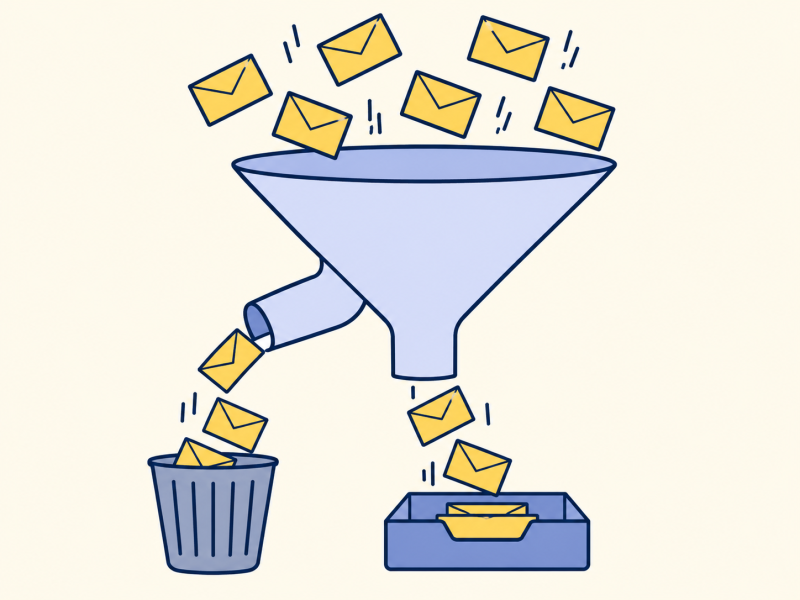
Sending email costs almost nothing, so some people send huge amounts of unwanted mail. Spam filters catch most of it before you see it.
To, Cc and Bcc
Anyone in the To or Cc box sees who else received the message. Cc means "for information". Bcc means "blind copy": those people get the message, but nobody else sees their address. That is why Bcc is used when writing to a large group who do not know each other.
Reply all sends your answer to everyone in To and Cc, not only the sender. It is a common way to send a private remark to forty people by mistake.
Key takeaways
- An address has a mailbox and a domain.
- Email travels via at least two servers.
- Servers hold messages until the next is ready.
- Email is more like a postcard than a letter.
Now you know.
After the @ is the server.
Email goes through servers in between.
It is a postcard, not a letter.
Last reviewed 3 Nov 2026
Where next?
Explained further by
More in Technology
-
Read
 Technology
Artificial intelligence
What AI means today: software that learns patterns from examples instead of following written rules, and…
-
Read
 Technology
Fingerprint and face unlock
How fingerprint and face unlock work: a scan becomes a pattern of numbers kept on the phone and compared each…
-
Read
 Technology
Bluetooth
How Bluetooth uses short-range radio to connect headphones, keyboards and speakers, why pairing is needed…