- Home
- Technology
- Spam filters
How spam filters work
How your inbox sorts the junk from the mail you want, and why some still gets through.
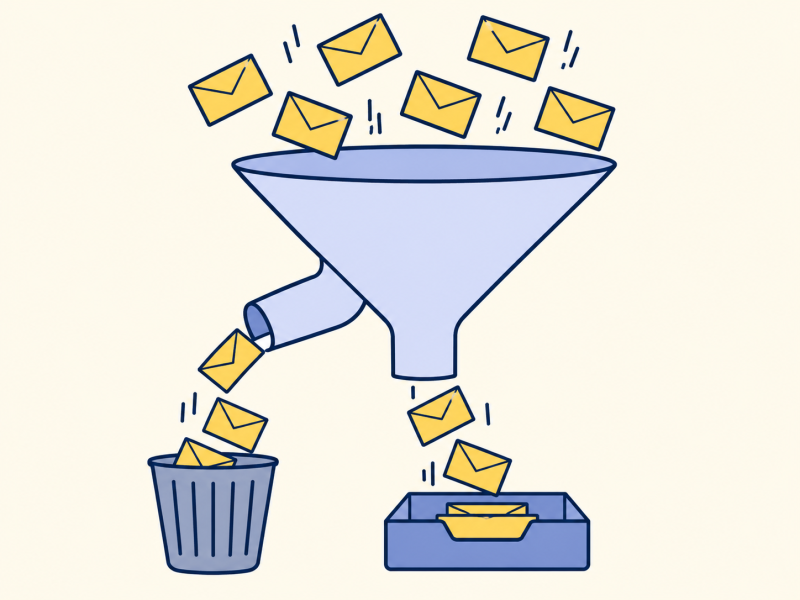
The short version
A spam filter checks each email in several ways and gives it a score. Is the sender who they claim to be? Is it from a known bad source? Does it look like junk seen before? If the score is high enough, the message goes to the junk folder. No filter is perfect. It builds on email.
I always thought a spam filter looked for naughty words.
It does, a little, but mostly it looks at where the email came from.
The sender is the best clue.
The checks
Is the sender real? Email addresses are easy to fake. Systems with names such as SPF and DKIM let a domain publish who is allowed to send for it, and add a signature to each message. A message that fails is suspicious.
Is the sender known to be bad? Services keep blocklists of servers that send huge amounts of spam.
Does it look like junk? The filter counts clues: odd links, urgent language, images with no text. Many filters learn from millions of messages that users have marked as spam.
What do you say? When you mark something as junk, or rescue something from the junk folder, you are teaching the filter.
Mistakes both ways
Some spam gets through, because spammers keep changing their methods. And some good mail ends up in the junk folder, so check it now and then, especially for a message you are expecting.
Note: a filter can't judge whether a request in a genuine-looking message is real. Be careful with any email that asks for passwords or money, even if it looks legitimate.
Key takeaways
- Filters give each message a score.
- The sender's identity is the strongest clue.
- Blocklists and learning both help.
- Mistakes happen in both directions.
Now you know.
Filters judge the sender.
They learn from what you mark.
Check the junk folder now and then.
Last reviewed 3 Nov 2026
