- Home
- Technology
- The cloud
The cloud
What it means when your photos and files are in the cloud, and where they actually are.
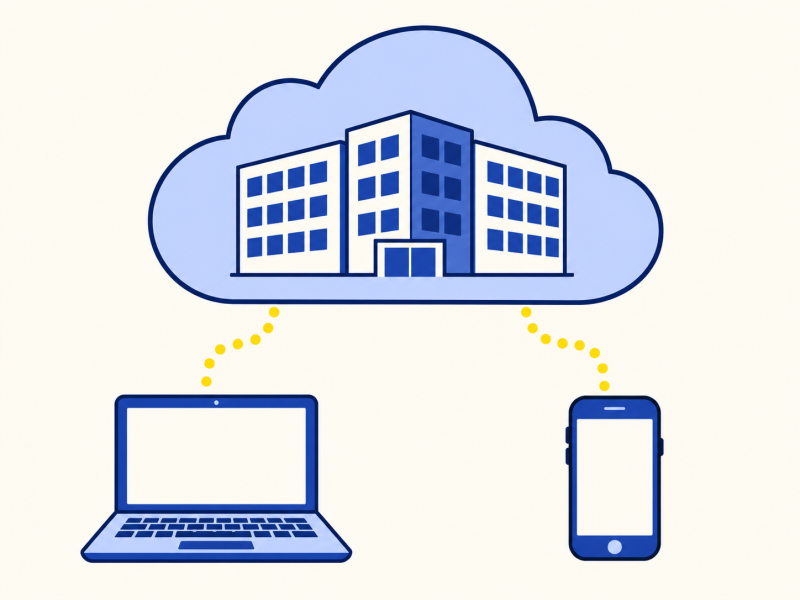
The short version
The cloud is other people's computers, in large buildings called data centres, that you use over the internet. When your photos are in the cloud, they are saved on those computers, and you can see them from any device. It is convenient, but it depends on the internet and on the company that runs it.
I always pictured my photos floating somewhere.
They are on a real machine in a real building.
The cloud is a very good name for someone else's computer.
What it means in practice
Normally, your files live on your own device. When you use cloud storage, your device sends a copy to computers run by a company. The provider’s service design and terms determine how it is stored and protected. When you open the same account on your phone, the phone fetches the copy.
Many services also sync: change a file on one device, and the change is copied to the others.
Three common uses
Storage
The shared drawerFiles and photos kept online and reachable from any of your devices.
Backup
The spare copyA copy kept elsewhere, so a lost or broken device doesn't lose your files.
Software
The servicePrograms that run on the company's computers, such as web email, with only the screen on your device.
Where the files are
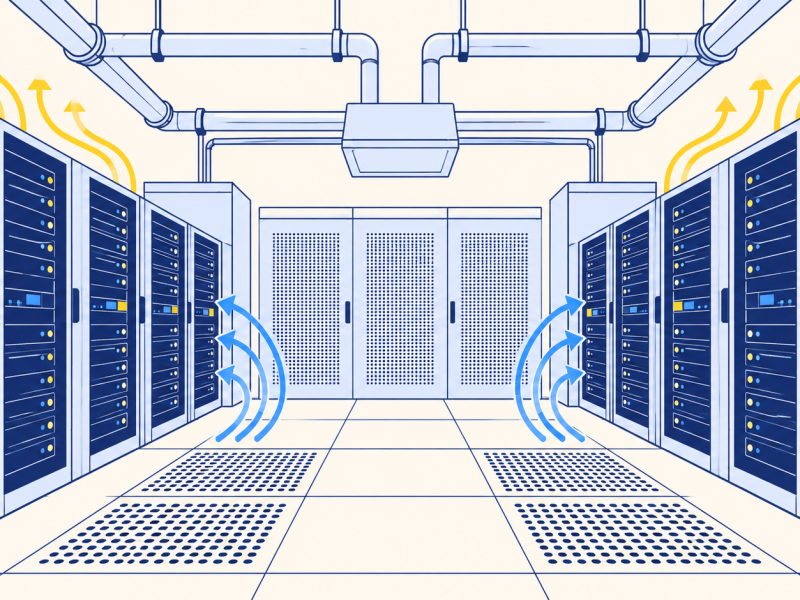
They are in a data centre: a building full of computers, with power, cooling and fast network links. Some providers keep multiple copies in separate systems or locations, but the number, location and recovery arrangements vary. Cloud storage is not a guarantee against every failure or account problem. You normally don't know exactly which building.
Files in the cloud are automatically backed up.
Many sync services copy a deletion as well as a change. If you delete a file on one device, it may vanish from all of them. A true backup keeps older copies.
The catches
You need the internet to reach your files, unless a copy is saved on your device. You depend on the company continuing to run the service and keeping your account open. And you are trusting it with your data, so choose a strong password and, where offered, two-step sign-in. Passwords and encryption explains what protects them.
Note: terms and prices change. Read what a service does with your data and what happens if you stop paying.
Who can see your files
Many cloud services encrypt files in transit and at rest. In services where the provider controls the encryption keys, it may be able to access the contents under its policies and legal obligations. A few services use end-to-end encryption, where only you hold the key. This is more private, but losing the key can make recovery impossible.
The law that applies depends on where the company and its data centres are. In the UK and Europe, data-protection rules limit what companies may do with personal data. The privacy terms of a service say what it does.
Key takeaways
- The cloud is someone else's computers.
- Your files live in a data centre.
- Sync copies changes, including deletions.
- A backup keeps older versions.
- You depend on the internet and the provider.
Now you know.
The cloud is real computers.
Sync is not backup.
You rely on the internet and the company.
Last reviewed 3 Nov 2026
Where next?
Explained further by
More in Technology
-
Read
 Technology
Artificial intelligence
What AI means today: software that learns patterns from examples instead of following written rules, and…
-
Read
 Technology
Fingerprint and face unlock
How fingerprint and face unlock work: a scan becomes a pattern of numbers kept on the phone and compared each…
-
Read
 Technology
Bluetooth
How Bluetooth uses short-range radio to connect headphones, keyboards and speakers, why pairing is needed…