- Home
- Technology
- Passwords and encryption
Passwords and encryption
How websites keep your password safe, and how scrambling keeps what you send private.
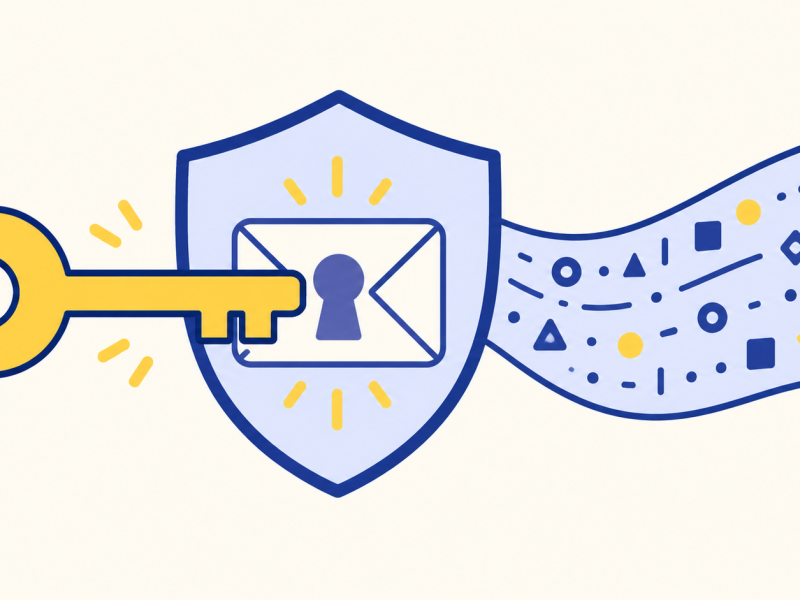
The short version
A well-designed site stores a salted, one-way hash of your password, not the plain text. Encryption instead scrambles information with a key so it can be read by someone with the right key.
I always assumed a website kept my password and compared it to what I typed.
A well-built one does not keep it in readable form.
It keeps only a fingerprint of the password.
How a password is checked
When you create a password, the site combines it with a unique salt and runs both through a slow password-hashing process. The resulting fingerprint is stored. Because each account has its own salt, the same password can produce different stored values. The site uses the saved salt to check a later sign-in; it does not turn the hash back into your password.
When you sign in, the site repeats the process with the saved salt and compares the result. If it matches, you are in. Staff should not be able to read the original password. If the database is stolen, attackers get hashes, not plain-text passwords, though weak passwords may still be guessed.
Why long and different matter
Attackers guess by trying huge numbers of likely passwords against stolen fingerprints. Short or common passwords fall quickly. Every extra character multiplies the number of possibilities, so length does most of the work. A string of four or five unrelated words is both long and memorable.
Reusing a password is a bigger problem. If one site is breached, criminals try the same email and password on other sites. A different password for each limits the damage to one.
What encryption is
Encryption scrambles information with a key, so that it looks like noise. Anyone who has the key can unscramble it. Anyone without it sees nothing useful.
In the simplest kind, both ends share the same secret key. The difficulty is sharing it safely. A cleverer kind uses a pair of keys: a public one, which anyone may have, locks a message; only a private one, which you keep, unlocks it. It is like a letterbox: anyone can post a letter, but only the owner has the key to take them out.
How many tries to guess
Roughly the number of possible passwords, for lowercase letters only.
Replacing letters with numbers makes a password strong.
Changing "password" to "p4ssw0rd" is a trick that cracking programs try first. A long, unusual phrase is far stronger.
Where this shows up
Your browser uses encryption every time it shows a padlock (what the padlock means). A second proof of who you are, such as a code on your phone, adds a layer (two-factor codes). And a program that remembers many long passwords for you makes it practical to use a different one everywhere (password managers).
Note: this explains how it works in general. It is not advice for your situation. For a decision about your accounts, check an official source such as the National Cyber Security Centre.
Further reading: OWASP password storage guidance covers salted, adaptive password hashing.
Key takeaways
- Good sites store a fingerprint, not your password.
- Length matters more than clever substitutions.
- A different password for each site limits breaches.
- Encryption scrambles data with a key.
- Public-key encryption lets strangers send secrets.
Now you know.
Sites keep a fingerprint.
Length beats cleverness.
A key unscrambles encrypted data.
Last reviewed 3 Nov 2026
Where next?
Explained further by
-
Read
 Technology
What the padlock means
What HTTPS and the browser padlock mean: the connection is encrypted and the site is the one named, but the…
-
Read
 Technology
Password managers
What a password manager does: it keeps long unique passwords in an encrypted vault behind one master…
-
Read
 Technology
Two-factor codes
How two-factor sign-in works: a password plus a code from a text or app, how app codes come from a shared…
More in Technology
-
Read
 Technology
Artificial intelligence
What AI means today: software that learns patterns from examples instead of following written rules, and…
-
Read
 Technology
Fingerprint and face unlock
How fingerprint and face unlock work: a scan becomes a pattern of numbers kept on the phone and compared each…
-
Read
 Technology
Bluetooth
How Bluetooth uses short-range radio to connect headphones, keyboards and speakers, why pairing is needed…