- Home
- Technology
- Passwords and encryption
- HTTPS and the padlock
What the padlock means
What the padlock in your browser promises, and what it does not.
The short version
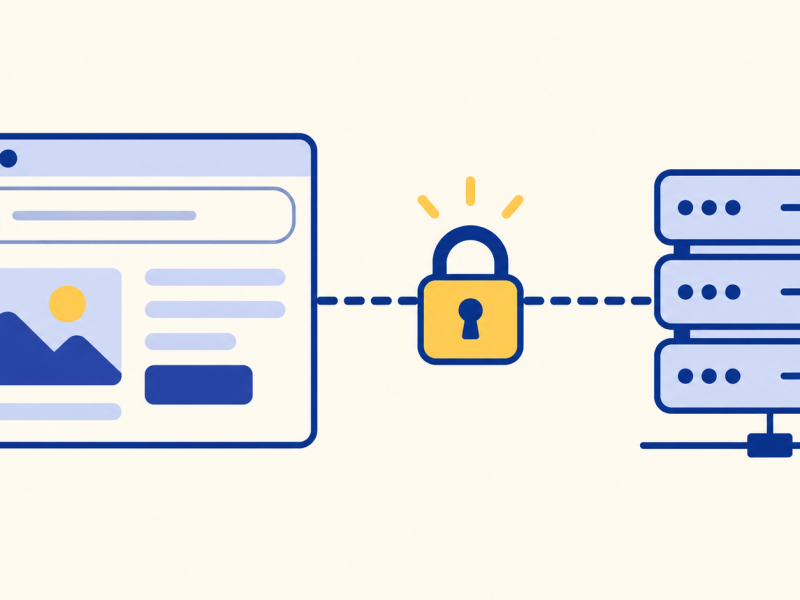
HTTPS means your browser has established an encrypted connection to a server with a certificate valid for the domain in the address. It helps prevent eavesdropping and tampering in transit, but does not prove who runs the site or whether its content is honest. It builds on passwords and encryption.
I always thought the padlock meant a website was safe to trust.
It means the line is private.
It says nothing about who is on the other end.
Two promises
It is encrypted in transit. The browser and server use cryptographic methods to authenticate the connection and agree on session keys. They then encrypt the exchanged data, helping protect it from eavesdropping or tampering on the way.
It is the right site. The site shows a certificate: a digital document, signed by an organisation your browser trusts, saying that this address belongs to this site. A certificate authority checks that the site can prove control of the domain; it does not verify that the site owner is trustworthy.
A padlock means the site is genuine and safe.
Anyone can get a certificate for their own address, including a scam site. The padlock shows the connection is private and that you reached the address shown. Check the address itself.
Key takeaways
- HTTPS scrambles the connection.
- A certificate shows the address is the right one.
- The padlock does not prove honesty.
- Check the address, not only the lock.
Now you know.
The padlock means a private line.
The certificate checks the address.
It does not check the owner.
Last reviewed 3 Nov 2026